
Set up our 4G mobile proxies in 5 minutes
A practical guide for developers — auth, rotation, code samples for every major language and framework.
1. Get your credentials
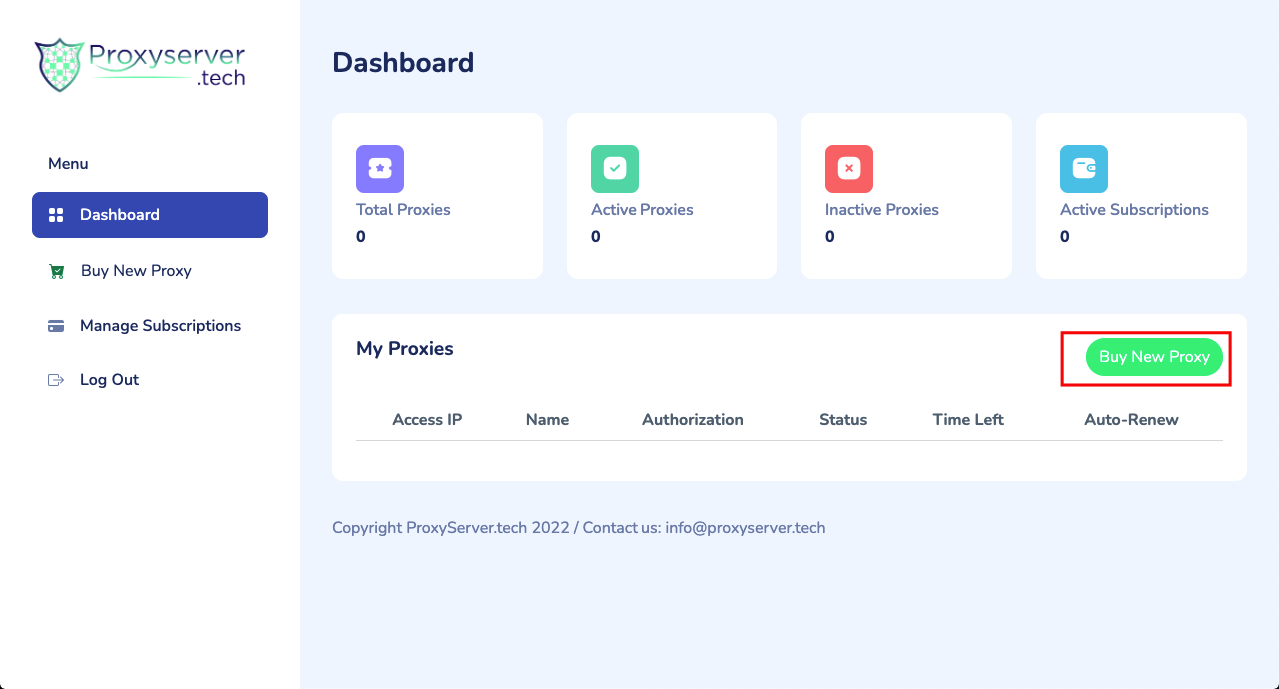
After signing up at app.proxyserver.tech/login, your account dashboard shows:
- Endpoint host — e.g. proxy.proxyserver.tech
- Port — HTTP, HTTPS, and SOCKS5 ports for each modem
- Username & password — auto-generated, rotatable from the dashboard
- IP whitelist (optional) — bind a proxy to specific source IPs
2. Test the connection
The fastest sanity check — see your assigned 4G IP:
curl -x http://USER:[email protected]:10001 https://api.ipify.orgExpected output: a real Telcel/AT&T/Movistar IP from the country you selected.
3. Rotate the IP
Each modem has a unique rotation URL. A GET request triggers a new 4G IP within 8-15 seconds (no manual SIM swap):
curl https://api.proxyserver.tech/rotate/MODEM_ID?token=YOUR_TOKENYou can rotate manually, on a schedule, or per-request. There's no rotation cap.
Use it from your favourite tool
Python (requests)
import requests
proxies = {
  'http':  'http://USER:[email protected]:10001',
  'https': 'http://USER:[email protected]:10001',
}
r = requests.get('https://example.com', proxies=proxies, timeout=30)
print(r.status_code, r.text[:200])
Node.js (axios + https-proxy-agent)
import axios from 'axios';
import { HttpsProxyAgent } from 'https-proxy-agent';
const agent = new HttpsProxyAgent('http://USER:[email protected]:10001');
const res = await axios.get('https://example.com', { httpsAgent: agent });
console.log(res.status);
Puppeteer / Playwright
// Puppeteer
const browser = await puppeteer.launch({
  args: ['--proxy-server=proxy.proxyserver.tech:10001']
});
const page = await browser.newPage();
await page.authenticate({ username: 'USER', password: 'PASS' });

// Playwright
const browser = await chromium.launch({
  proxy: { server: 'http://proxy.proxyserver.tech:10001', username: 'USER', password: 'PASS' }
});
Browser (manual)
Most browsers don't accept proxy auth in the URL. Use FoxyProxy or Proxy SwitchyOmega to add the host, port, user, and password.
Scrapy
# settings.py
DOWNLOADER_MIDDLEWARES = {
  'scrapy.downloadermiddlewares.httpproxy.HttpProxyMiddleware': 110,
}
# in your spider
def start_requests(self):
  yield scrapy.Request('https://example.com',
    meta={'proxy': 'http://USER:[email protected]:10001'})
SOCKS5 vs HTTP
Each modem exposes both. Use SOCKS5 when you need raw TCP (gRPC, custom protocols, leaky-bucket DNS). Use HTTP when your stack only speaks HTTP proxies.
Sticky session?
Don't rotate. The same IP stays bound to the modem until you call the rotation URL or the carrier itself drops the session. Most modems hold the same IP for hours.
Common gotchas
- 403 from the target — you forgot to authenticate. Check the user/pass in the proxy URL.
- Connection refused — the modem is rebooting after a forced rotation. Retry in 15s.
- Wrong country — your account has both Mexico and Spain pools. Specify the right port.
- Slow on first request — 4G modems wake from idle. Subsequent requests are sub-100ms.
Ready to try our 4G proxies?
Talk to sales on Telegram. No card required. Cancel any time.
Talk to sales →